Your team's portal
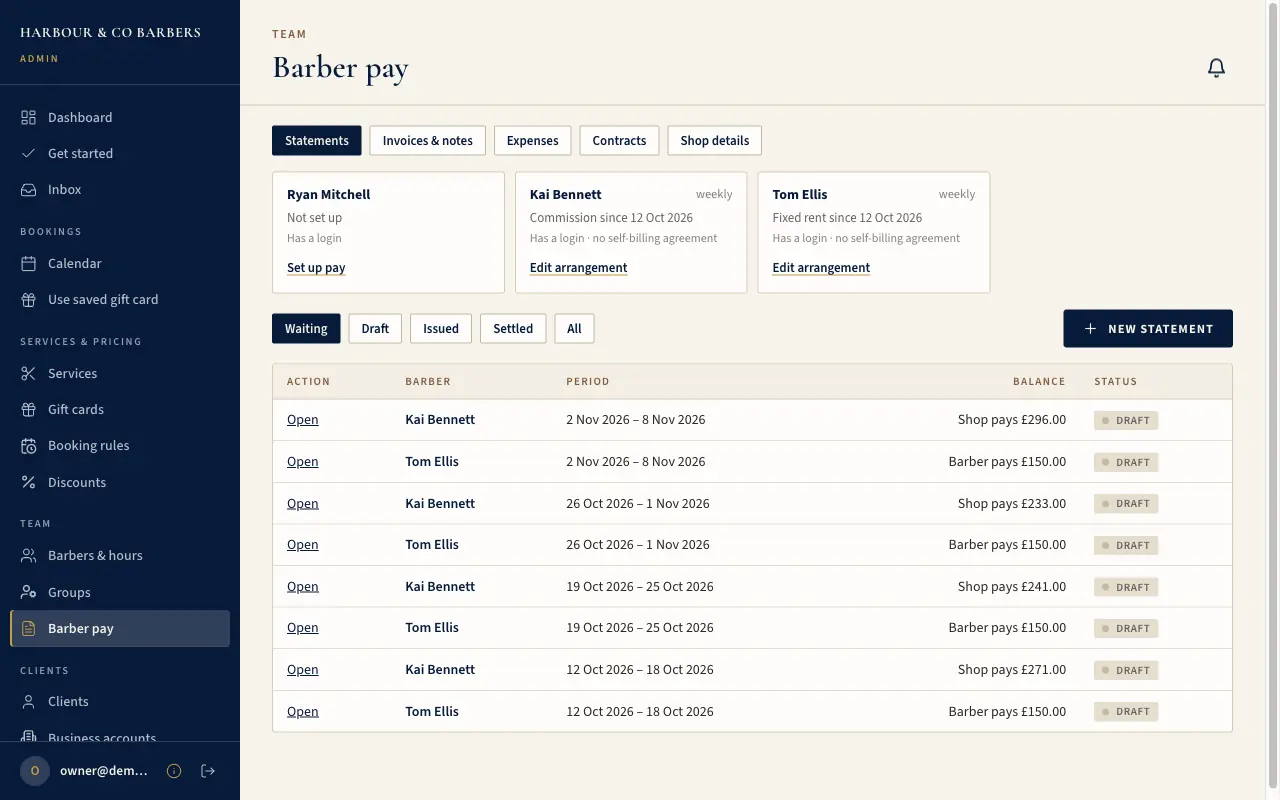
Team members sign in on your site with their own email. What they see comes from their groups under Team → Groups. That can include:
- their bookings or journeys
- takings and statements
- their own details
- timesheets
- photos of the people they see
- site safety documents to read and sign.
Pay statements are worked out from each person's pay arrangement: commission, chair rent or employed. Chair renters get self-billed invoices.
To change what someone sees, change their group rather than the person.
Set up groups before you invite people, so each person sees the right things from their first sign-in. Taxi drivers see their journeys here. Builders' teams read and sign RAMS here, and each sign-off is recorded against that version.
More guides