Services and booking rules
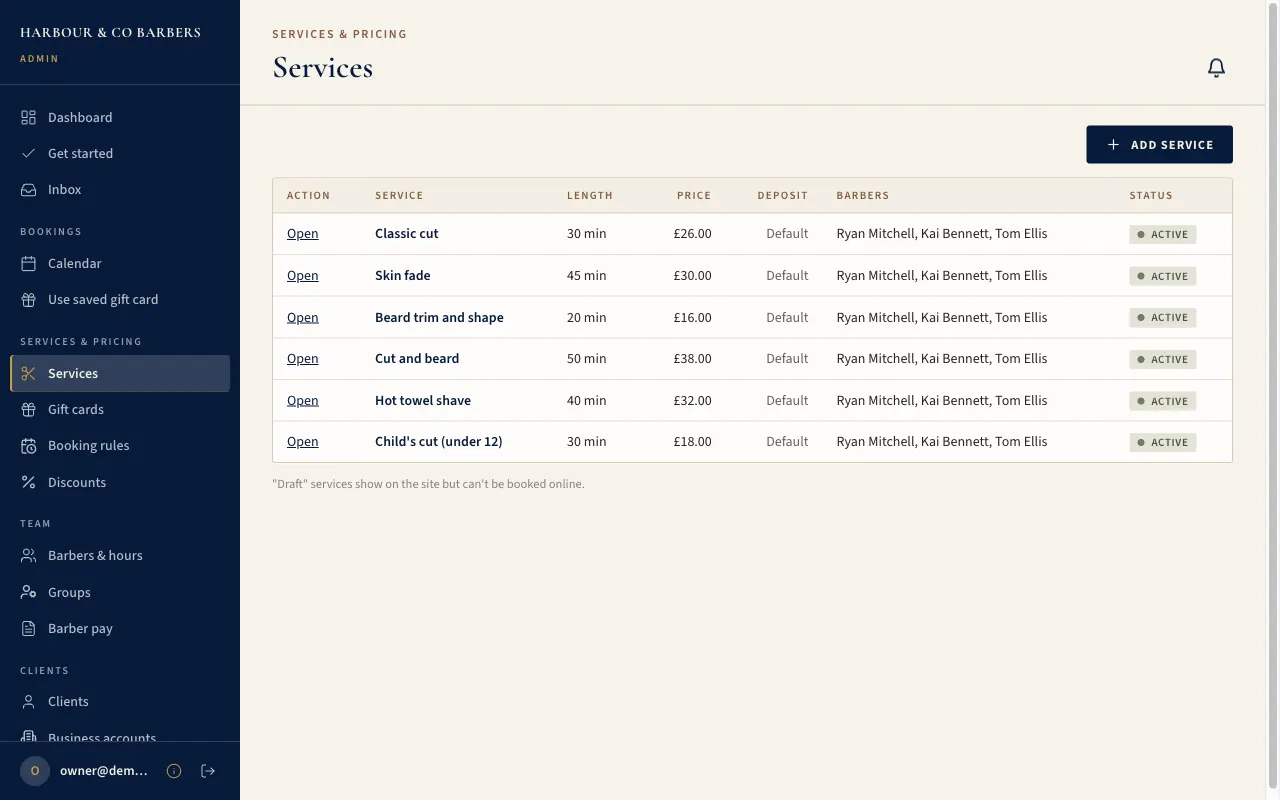
Open Services. Your trade's starting services are already there, hidden, at £0. For each one:
- Give it a price and a length.
- Assign who does it.
- Switch on online booking.
Under Booking rules, set your opening hours, minimum notice, how far ahead people can book, deposits and the free-cancellation cut-off. Customers can change or cancel their own bookings before the cut-off.
Selling packs or running classes? Switch them on under Business type & wording → Features if your trade doesn't have them already. Packs count down each time a client books. Classes stop taking bookings when the places are full.
Tip: add a buffer after services that need clean-up time, so the next booking doesn't start the moment the last one ends. Deposits are optional, and the money goes into your own Stripe account. After any change, open your booking page on your phone to see what customers see.
More guides