Importing customers
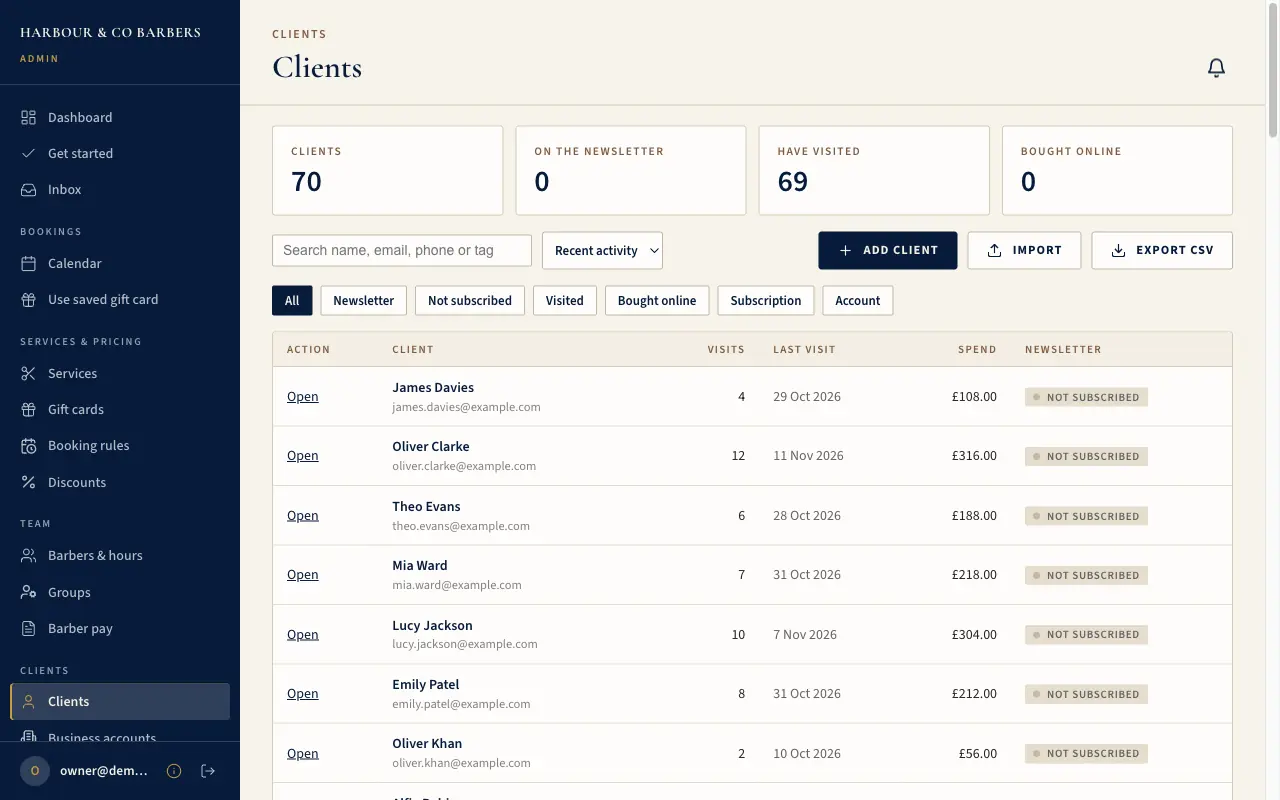
Bring your customer list from your old system as a file. Each customer becomes one record, matched on their email address, so the same person won't appear twice.
- Export your customers from your old system.
- Open Customers → Import in the admin.
- Upload the file and check the columns match.
- Import, then spot-check a few records.
Only import people you have a right to contact. Importing a customer doesn't sign them up to newsletters.
Next: Switching from another system →
More guides