Team and hours
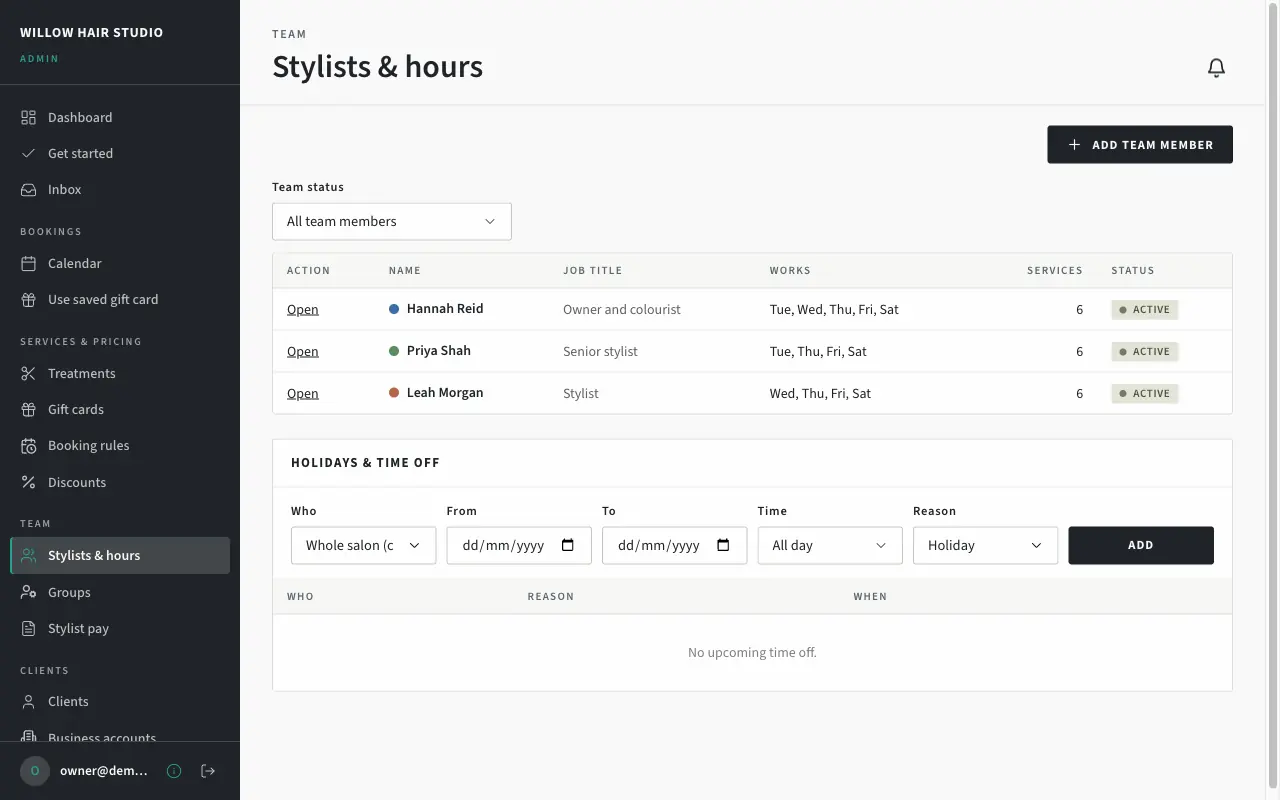
Open Staff & hours. Add each person who takes bookings, with:
- their working week and breaks
- the services they do
- whether they take bookings online.
Holidays and time off can be added for one person or the whole business. Customers only see times when someone who does that service is in.
To control what each person can see and do, put them in groups under Team → Groups. A group decides what appears in that person's portal, such as their bookings, takings or timesheets.
Partners and managers who need the admin itself can be added as admin users with a role. Four admin users are included in every plan.
Tip: add everyone's hours before you switch on online booking, so customers only ever see real free times. If someone works different hours each week, set their usual week and add time off for the exceptions.
Next: Services and booking rules →
More guides